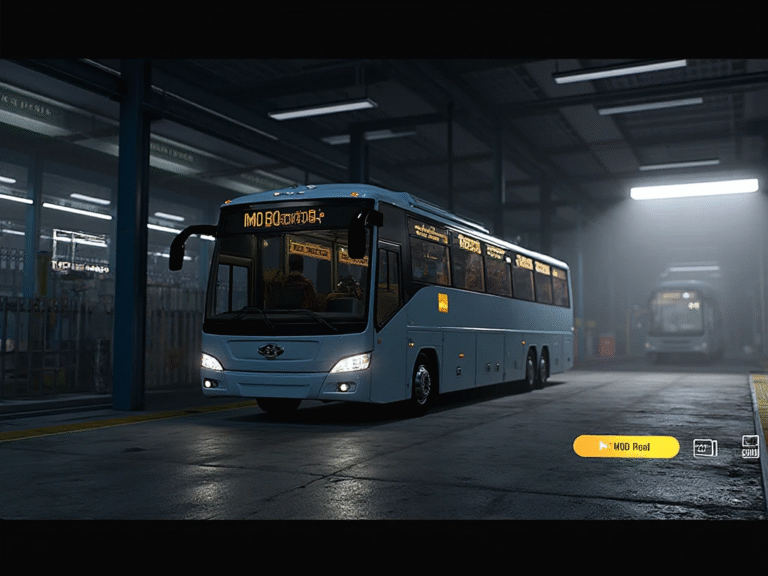
How to Change Bus in Bus Simulator Indonesia (2026 Guide)
Changing your bus in Bus Simulator Indonesia (BUSSID) is one of the most exciting parts of the game. Whether you want to switch to a luxury coach, try a new mod vehicle, or test different liveries, BUSSID gives you full control to customize your driving experience.
Many new players don’t know where the bus selection option is or how to change from the default vehicle. This easy guide will show you step-by-step how to change your bus in BUSSID without any confusion.
Why Changing Your Bus Matters in BUSSID
Different buses offer different handling, speed, interiors, and overall gameplay. Switching buses allows you to enjoy:
- Better driving performance
- New designs and interiors
- More realistic routes
- Different bus sizes (mini bus, medium bus, double-decker)
- Unique mod vehicles
If you use BUSSID mods, changing buses gives you an entirely new experience every time you drive.
How to Change Bus in Bus Simulator Indonesia
Follow these simple steps to switch your bus easily:
Step 1: Open Bus Simulator Indonesia
Launch the BUSSID game on your Android device. Wait for the main menu to load completely.
Step 2: Go to the “Garage”
On the main screen, tap the Garage option.
This is where all your purchased buses, mod vehicles, and liveries are stored.
Step 3: Browse Your Available Buses
Inside the garage, you will see:
- Default buses
- Purchased buses
- Mod buses you imported
- Car, truck, and special vehicle mods
Swipe left or right to explore all available options.
Step 4: Select the Bus You Want to Use
Tap on the bus you want to drive.
BUSSID will display:
- Name of the bus
- Livery preview
- Interior view
- Performance stats
Make sure you select the correct bus or mod.
Step 5: Tap the “Use” or “Select” Button
Once you find your desired bus, press the Use button.
The selected bus will now be loaded as your active vehicle.
Step 6: Start the Game
Go back to the main menu and tap Play → Start to begin your journey with the new bus.
That’s it! You’ve successfully changed your bus in BUSSID.
How to Change to a Mod Bus in BUSSID
If you installed a mod bus, follow these extra steps:
- Go to Garage
- Open Mod or Mod Vehicles tab
- Find the downloaded mod bus
- Tap Use
- Start the game
Your imported mod bus will appear on the road instantly.
Tips for Selecting the Best Bus
- Choose lightweight buses for high-speed routes
- Use double-deckers for city maps
- Try mod buses for unique designs and engine sounds
- Check handling statistics before selecting
- Use high graphics for better visuals
Conclusion
Changing your bus in Bus Simulator Indonesia is quick, simple, and gives you unlimited freedom to enjoy new vehicles. Whether you’re switching between default buses or using imported mods, the garage feature makes it extremely easy to customize your gameplay.
Try different buses, explore different maps, and enjoy a fresh driving experience every time you play BUSSID!