How to Add Mod in Bus Simulator Indonesia 2026 updated
Bus Simulator Indonesia (BUSSID) is one of the most popular driving games, especially because of its amazing mod support. Whether you want buses, cars, trucks, maps, liveries, or sound mods, BUSSID makes it easy to install custom content. If you’re new and wondering how to add mods in BUSSID, this guide will help you step-by-step.
This post explains everything in simple language so anyone — even beginners — can install mods without errors.
What Are BUSSID Mods?
Mods in Bus Simulator Indonesia are special add-ons created by developers or players. These mods can include:
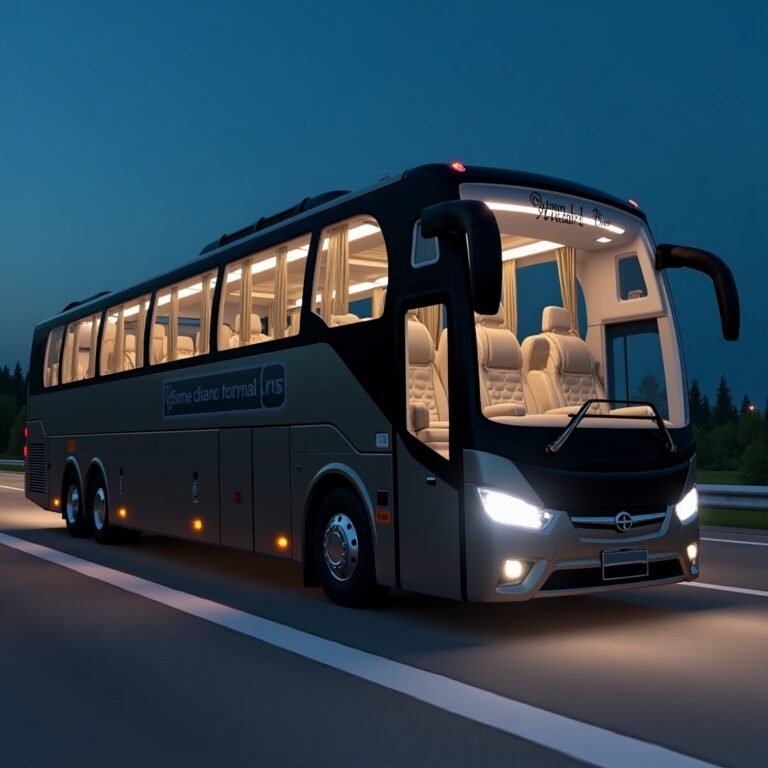
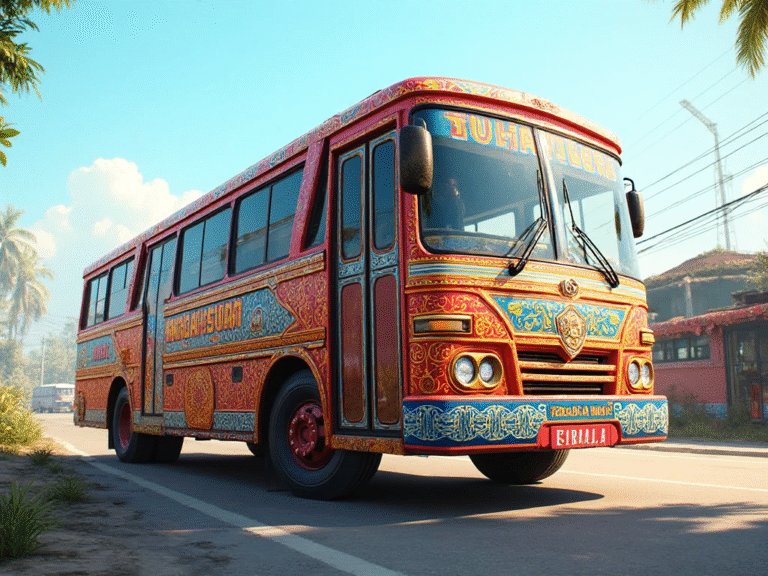
- Custom buses (e.g., KSRTC, MSRTC, Tamil Nadu, Kerala buses)
- Cars and SUVs (Toyota, BMW, Honda, etc.)
- Maps (off-road, India maps, village roads)
- Livery/skins
- Sound mods
- Traffic mods
These files usually come in .bussidmod or .bussidvehicle format.
How to Add Mods in Bus Simulator Indonesia
Follow these steps to install any mod safely in BUSSID:
Step 1: Download the Mod File
First, download the mod you want:
- Visit BUSSID mod apk.
- Choose the mod (bus, car, map, etc.)
- Download the file (usually .bussidmod or .bussidvehicle)
👉 Make sure the file is not zipped. If it is (ZIP/RAR), extract it first.
Step 2: Open Your File Manager
After downloading, open your phone’s File Manager.
- Go to Internal Storage
- Open the Download folder
Your mod file will be there.
Step 3: Move the File to BUSSID Mods Folder
Now move the downloaded file:
- Go to:
Internal Storage → BUSSID → Mods - Copy/paste or move your mod file into the Mods folder.
If the folder doesn’t exist, open BUSSID once — it will create it automatically.
Step 4: Open Bus Simulator Indonesia
Now launch the BUSSID game.
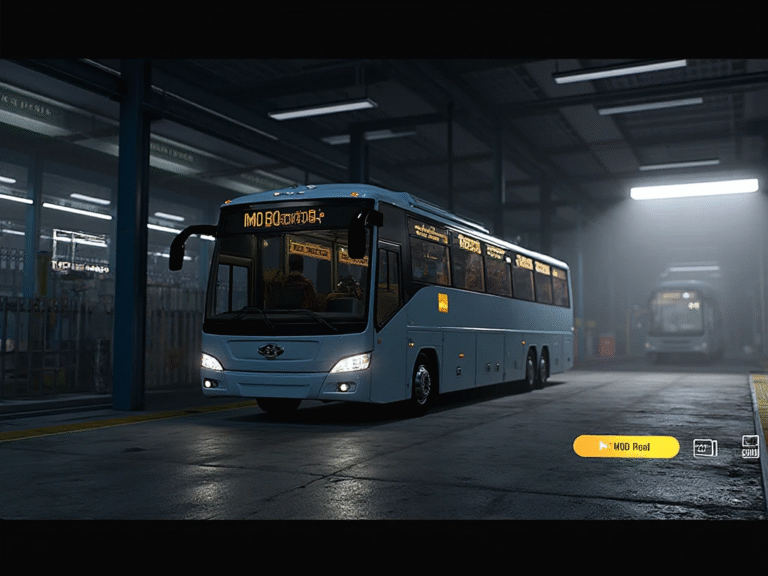
- Go to Garage
- Select Mod Vehicles
- Tap Import
BUSSID will scan your Mods folder automatically.
Step 5: Select and Activate the Mod
Once your mod appears:
- Tap on it
- Press Use
Your mod is now ready to drive.
✔️ You will see the mod in your garage with other vehicles.
Tips for Installing Mods Without Errors
- Use latest BUSSID version for full compatibility.
- Keep enough storage free (some mods are 100–200MB).
- Avoid corrupted or fake mod files.
- Always extract ZIP/RAR files before importing.
- Restart the game if the mod doesn’t appear.
Why Use Mods in BUSSID?
Mods make the game more fun! With mods, you can:
- Drive popular Indian and Indonesian buses
- Use luxury cars like the Supra, Land Cruiser, and Fortuner
- Enjoy realistic maps and traffic
- Customize liveries and interior setups
BUSSID feels like a whole new game when you add mods.
Conclusion
Adding mods in Bus Simulator Indonesia is very simple — just download the file, move it to the Mods folder, and import it from the game’s garage. Whether you want buses, cars, trucks, or custom maps, mods make BUSSID more exciting and realistic.
Start installing mods today and enjoy a brand new BUSSID experience!