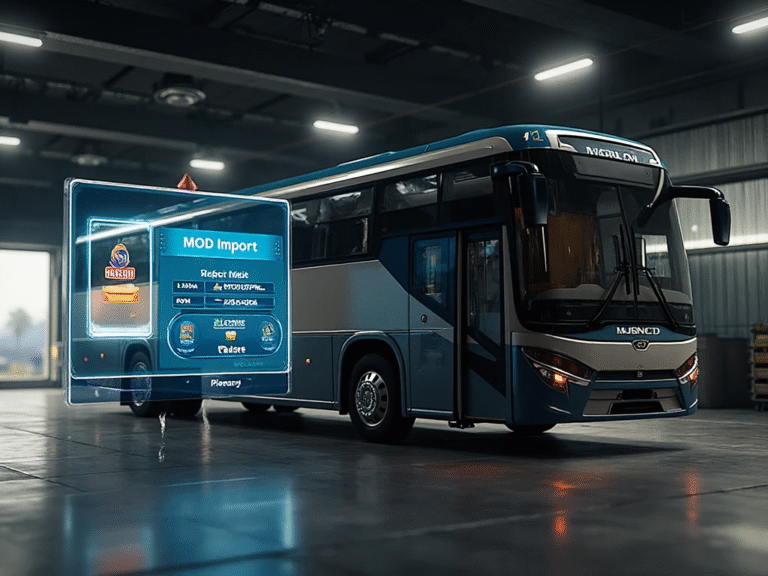
How to Download BUSSID Mods and Liveries 2026 updated
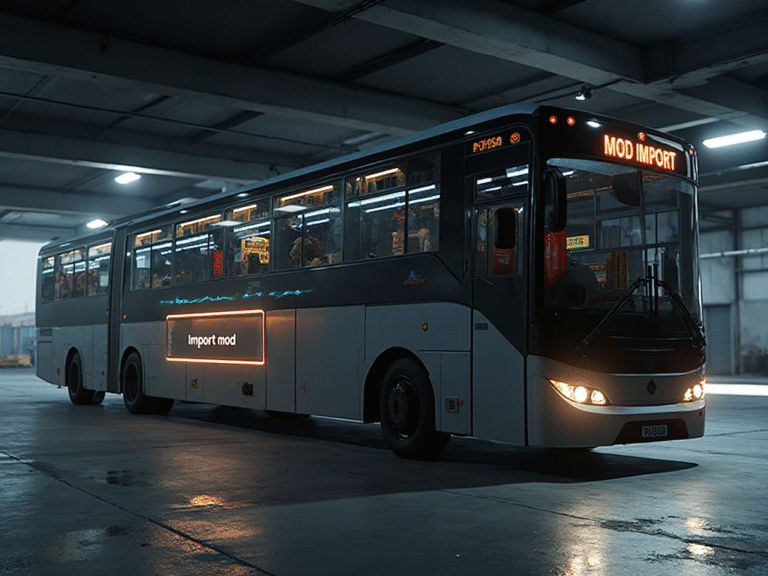
Bus Simulator Indonesia (BUSSID) is one of the most popular driving games, and one reason players love it is the ability to use mods and liveries. With mods, you can add new buses, cars, trucks, and unique vehicles. Liveries let you fully customize your bus design.
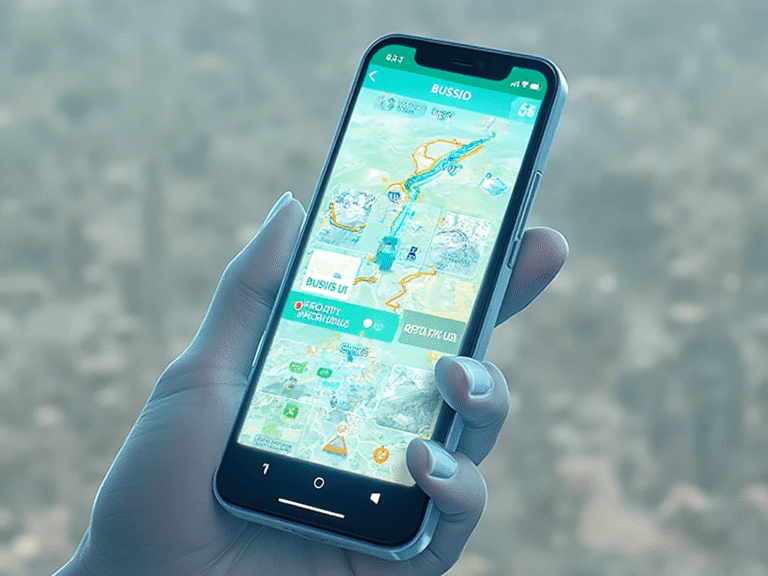
If you’re new to BUSSID, this guide will show you how to download and install BUSSID mods and liveries step-by-step, all in a simple and beginner-friendly way.
What Are BUSSID Mods?
BUSSID Mods are custom vehicles created by the community. These include:
- Buses (SHD, UHD, SDD, JB3, JB2, etc.)
- Cars (Toyota Innova, Fortuner, Pajero)
- Trucks (Canter, Hino, Fuso)
- Motorcycles
- Special vehicles (police cars, luxury cars, etc.)
Mods change your in-game vehicle but keep the original BUSSID driving experience.
What Are BUSSID Liveries?
Liveries are custom paint designs for your bus.
Examples include:
- Indian style livery
- Indonesian PO livery
- Neon, 3D, or vinyl livery
- Cartoon or anime livery
Liveries help make your bus unique and stylish.
How to Download BUSSID Mods (Step-by-Step)
Follow these steps to easily download mods:
Step 1: Find a Trusted Website
Search for safe sources like:
- https://bussimulator-indonesiamodapk.com/
- Official mod creators
- Trusted BUSSID mod websites
- Facebook groups
- YouTube mod links from known creators
Avoid unknown sites to prevent malware.
Step 2: Download the Mod File
Mods usually come in:
- .bussidmod
- .bussidvehicle
Click the download button and save the file to your Downloads folder.
Step 3: Move the File to BUSSID Folder
- Go to:
File Manager → Android → Data → com.maleo.bussimulatorid → Files- Move the mod file into the Mods folder.
- If you don’t see a Mods folder, create one manually.
Step 4: Open BUSSID
Now launch your game.
Step 5: Go to “Garage” and Install the Mod
- Inside the garage, you will see your downloaded mod.
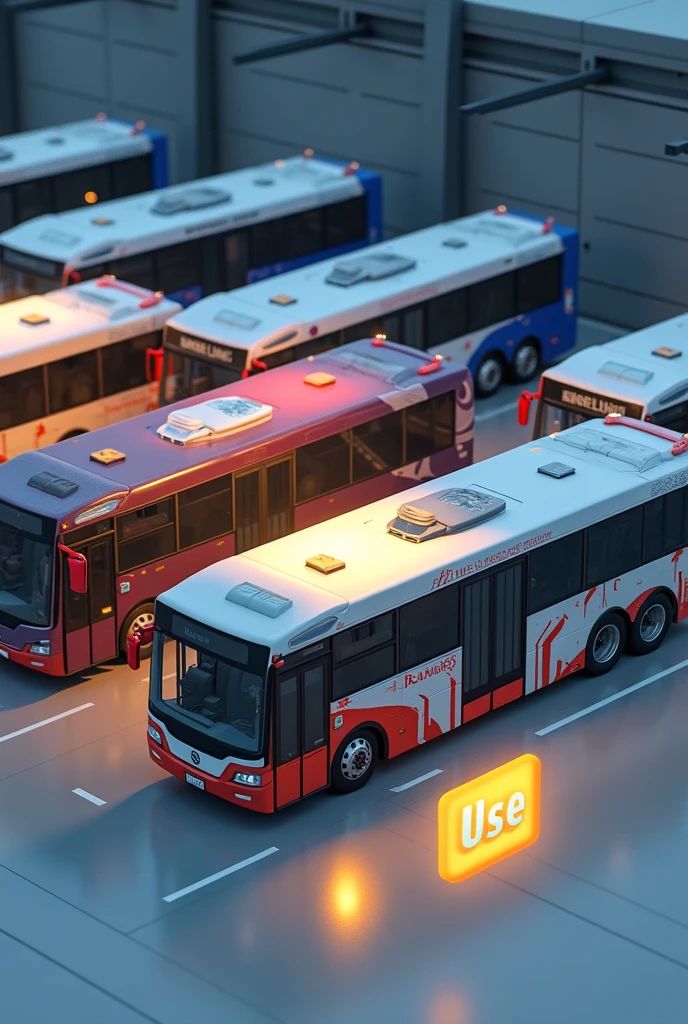
- Tap “Use” to select the mod vehicle.
- Your mod is now ready to drive!
How to Download BUSSID Liveries (Step-by-Step)
Step 1: Download Livery Image (.png or .jpeg)
Find a high-quality livery from:
- Mod sites
- Facebook groups
- Creator pages
- YouTube description links
Download the livery image file.
Step 2: Open BUSSID and Go to Garage
Go to the bus you want to customize.
Step 3: Select “Livery” Option
Tap on Livery to open customization settings.
Step 4: Tap “Select File”
Choose your downloaded image from the file manager.
Step 5: Apply the Livery
Tap Use → then Pay 15,000 coins (or watch an ad if available).
Your custom livery is now applied!
Tips for Safe Mod Download
- Always use trusted mod creators
- Avoid unlimited money mods (unsafe)
- Scan files before using
- Make backups of your original game files
- Keep BUSSID updated for compatibility
Conclusion
Downloading BUSSID mods and liveries is easy once you know the proper method. Mods help you enjoy new vehicles, while liveries make your bus look stylish and unique. Follow the steps above and start customizing your BUSSID experience today!